
Record the exact error before making changes. A DNS failure, certificate warning, WordPress critical error and resource-limit error need different checks.
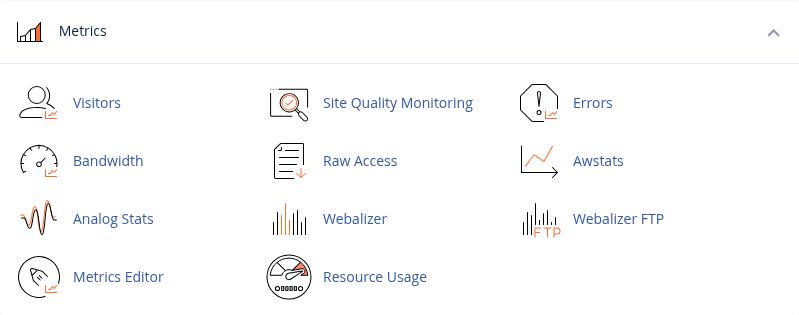 Metrics tools. Account details are excluded from this view.
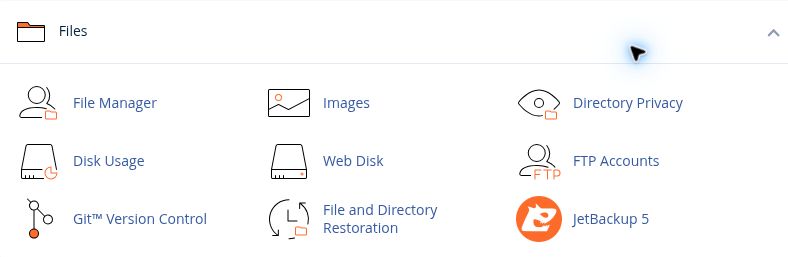 Files tools. Account details are excluded from this view.
Steps
- Open the site from another device or connection, such as mobile data. Check the exact domain, including www and HTTPS, and note whether only one page or the whole site fails.
- Check the Dynamic Servers planned-maintenance information and your client-area service status. Confirm the hosting service is active and review any account notices.
- If the domain does not resolve, check its registration status, nameservers and recent DNS changes. If it resolves to the wrong server, correct the authoritative records rather than changing website files.
- For a certificate warning, use our SSL troubleshooting guide. For a WordPress critical error, note recent plugin, theme or PHP changes and follow the targeted WordPress guide.
- For a 500, 503 or resource-limit problem, review cPanel Errors, Resource Usage and disk usage. Do not delete random files or disable security controls to make the error disappear.
- Open a support ticket with the URL, exact error, start time, affected connections and recent changes. Say whether cPanel and email also work.
Help us trace the incident
A screenshot of the error can help, but remove passwords, session links and private information. If the problem is intermittent, provide a few exact times and the action that triggered it.
A backup restore is not always the right first step. It can overwrite newer data without fixing DNS, billing or a server-side issue. Keep the current state available for diagnosis unless support or your developer has agreed a recovery plan.
Related help
- My Website Says It Is Not Secure: How to Check SSL
- How to Troubleshoot a WordPress Critical Error
- How to Check CPU, Memory and Other Hosting Resource Limits
- My Emails Are Not Arriving or Sending: What to Check
Need help? open a support ticket. Include the affected domain and exact error, but never your password.