
Nameservers decide which provider controls the domain’s DNS records. Change them at the domain registrar. Editing nameservers is different from changing an individual website or email record.
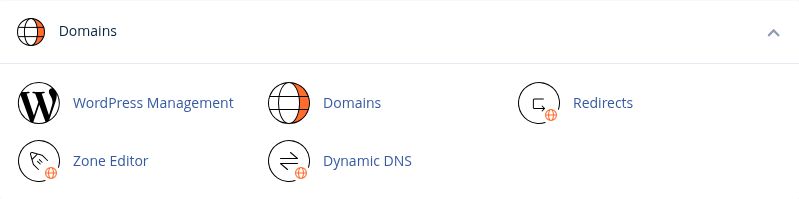 Domains tools. Account details are excluded from this view.
Steps
- Find the nameservers supplied in your hosting welcome details or confirmed by support. Do not reuse a pair from another account or a sample guide.
- Before changing anything, copy the current DNS records, including website A/AAAA/CNAME records, MX records, SPF, DKIM, DMARC and third-party verification records.
- Make sure those required records exist at the new DNS provider. If email stays with Microsoft 365, Google Workspace or another provider, preserve its records.
- Check whether DNSSEC is enabled. An old registrar DS record that does not match the new DNS service can break resolution. Ask support to coordinate the DNSSEC change before switching.
- Sign into the registrar. For a domain registered with us, open My Domains, choose the domain and look for its nameserver-management option. Enter the supplied nameservers and save.
- Allow cached DNS information to expire. Test the main website, www version, incoming and outgoing mail and important third-party services before closing the old DNS or hosting account.
Plan the change
Changing nameservers does not copy your website, databases or old emails. It also does not transfer the domain to a new registrar. Keep the old service available while the change settles.
If you only need to point the website at new hosting, editing its A/AAAA/CNAME records may be enough. open a support ticket before switching if you are unsure which approach protects your current email and other services.
Related help
- How to Add or Edit DNS Records in cPanel
- Understanding DNS Propagation and Why Changes Take Time
- How to Point Your Domain to Your Hosting
Need help? open a support ticket. Include the affected domain and exact error, but never your password.