
Microsoft 365 can host your domain’s email while the website remains with Dynamic Servers. Prepare the mailboxes and plan the mail migration before changing MX records.
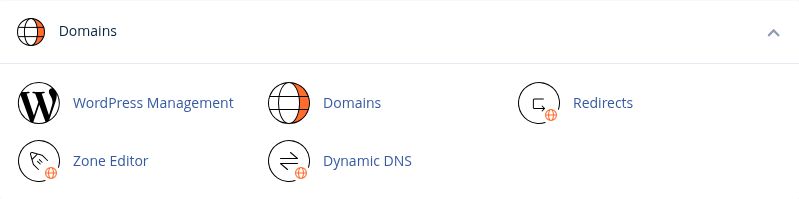 Domains tools. Account details are excluded from this view.
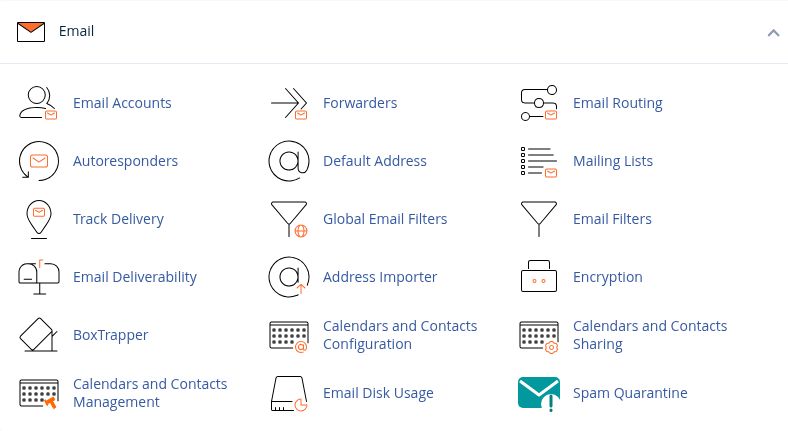 Email tools. Account details are excluded from this view.
Steps
- In the Microsoft 365 admin centre, add your custom domain under Settings → Domains. Verify ownership using the exact DNS record Microsoft supplies.
- Create the required users, licensed mailboxes, shared addresses and aliases before the switch. Plan how existing messages and contacts will be migrated; DNS does not copy them.
- Open the domain’s DNS setup in Microsoft 365 and obtain its current required MX, TXT, CNAME and any DKIM records. Use the values for your tenant.
- At the authoritative DNS provider, save the existing zone and add the required email records. Keep website A/AAAA/CNAME records unchanged. Merge Microsoft’s SPF requirement into the existing SPF policy rather than creating a second one.
- At the agreed changeover, replace the old incoming MX route with the Microsoft 365 route. If the website remains in cPanel and mail is external, set Email Routing for the domain to Remote Mail Exchanger after confirming the design with support.
- Complete Microsoft’s DNS verification and DKIM setup. Test incoming and outgoing mail from an external provider and test website forms as well.
Keep the website sending correctly
Website notifications may need a separately authorised sending method. Changing MX records does not automatically configure WordPress or a contact form to send through Microsoft 365. Review its SMTP or mail-service integration with the site developer.
Keep access to the old mailbox data until migration and testing are complete. If your domain has an inbound filtering gateway or unusual routing, ask support to review the required MX design before replacing it.
Related help
- How to Add or Edit DNS Records in cPanel
- How to Connect Google Workspace Email Without Moving Your Website
- My WordPress Contact Form Is Not Sending Emails
Further information: Official documentation.
Need help? open a support ticket. Include the affected domain and exact error, but never your password.