
DNS answers are cached by networks, devices and applications. After a record changes, some visitors can see the new answer while others still use an older cached answer.
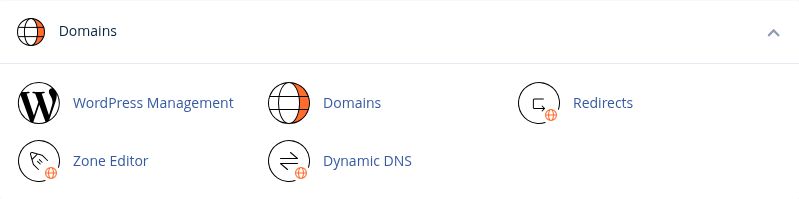 Domains tools. Account details are excluded from this view.
Steps
- Confirm that you edited the authoritative DNS provider. A change in an inactive cPanel zone will not become public just by waiting.
- Check the record’s TTL, which tells caches how long an answer may be reused. Lowering the TTL after a change does not shorten the lifetime of answers already cached under the old TTL.
- For a planned move, lower the relevant TTL in advance and wait for the previous caching period before switching. Nameserver changes also involve parent-zone delegation caches.
- Keep old and new services available during a migration. Test from another connection, such as mobile data, to distinguish different cached answers from a local browser issue.
- Check the exact hostname and record type, including www, A and AAAA. Email routing uses MX records and the addresses of their targets, which may cache separately.
- Once DNS points to the correct server, clear website and browser caches if content still looks old. DNS caching and page caching are separate layers.
How long should you wait?
Many changes appear quickly, but there is no single guaranteed global completion time. The previous TTLs, nameserver delegation, resolver behaviour and provider-specific processing all matter. Repeatedly changing records can prolong confusion.
If the published authoritative answer is wrong, waiting will not fix it. Contact support with the domain, record changed, old and new values, change time and the result you are seeing. Avoid closing the old service until testing is complete.
Related help
- How to Change Your Domain Nameservers Safely
- How to Add or Edit DNS Records in cPanel
- My Website Changes Are Not Showing
Need help? open a support ticket. Include the affected domain and exact error, but never your password.