
Old content can come from an unpublished change, the wrong site copy, a page builder, a page cache, a CDN or the browser. Work through one layer at a time.
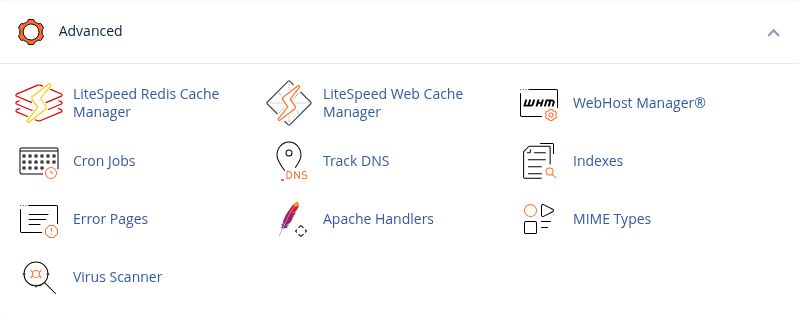 Advanced tools. Account details are excluded from this view.
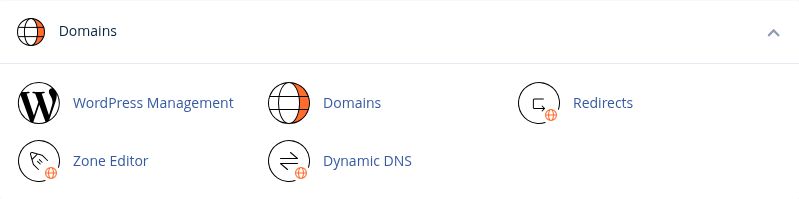 Domains tools. Account details are excluded from this view.
Steps
- Confirm that the change was published or updated, rather than saved as a draft. Check that you edited the live site and the correct page, template or product.
- Open the exact public page in a private browser window while logged out. Check both the domain and any www or staging prefix.
- If using WordPress and LiteSpeed Cache, purge the affected page or use LiteSpeed Cache → Toolbox → Purge → Purge All - LSCache.
- For styling changes, regenerate the page builder’s CSS or files using its supported tools. Clear the relevant optimisation cache if it creates combined or generated assets.
- If there is a CDN or proxy, purge the affected URL there as well. Refresh the page and compare from another device or connection.
- If the website recently moved, check the current A and AAAA records at the authoritative DNS provider. Some visitors may still be reaching the old server while cached DNS answers expire.
If the old version persists
Contact support with the public URL, the change you expect, when it was published and the caches already cleared. If possible, describe a visible example rather than saying only that the cache is broken.
A local browser refresh cannot clear a CDN or server cache. Repeatedly editing DNS also will not clear a page cache. If only PHP code remains old after appropriate purging, ask support to check the application’s code-cache behaviour.
Related help
Further information: Official documentation.
Need help? open a support ticket. Include the affected domain and exact error, but never your password.